Download & Install Software Notes
|
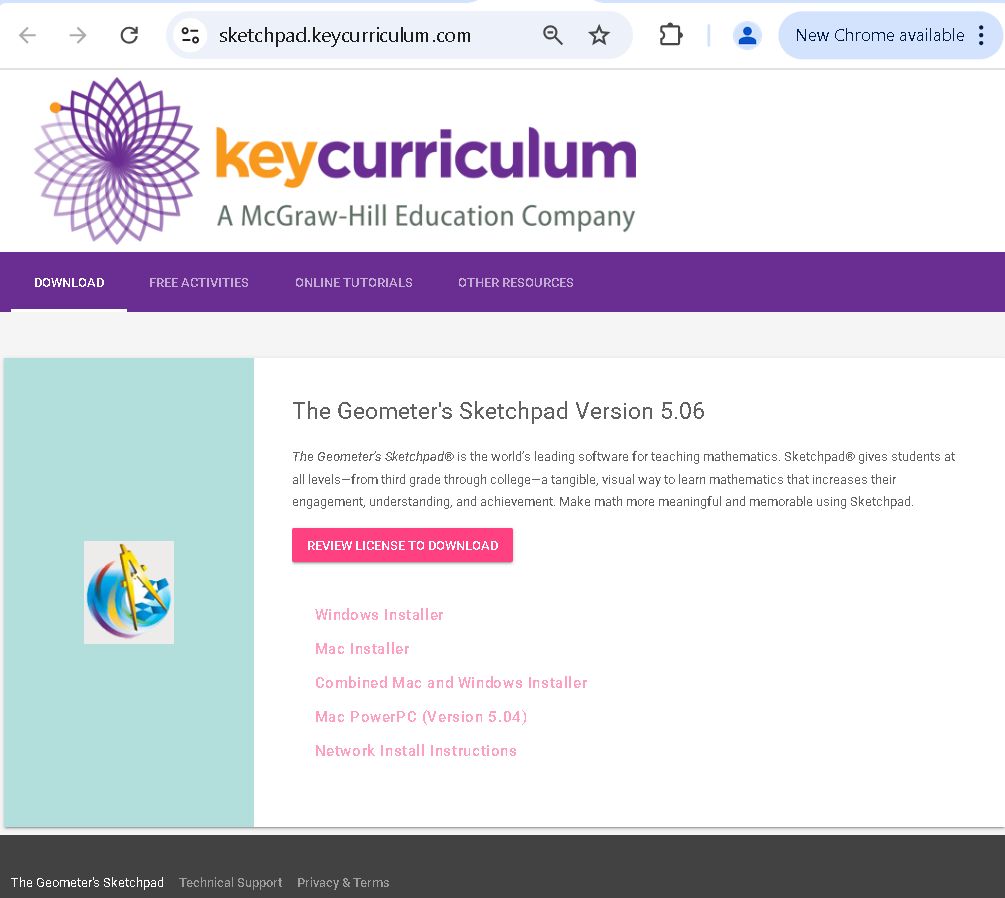 | Take the link to the Key Curriculum site.
|
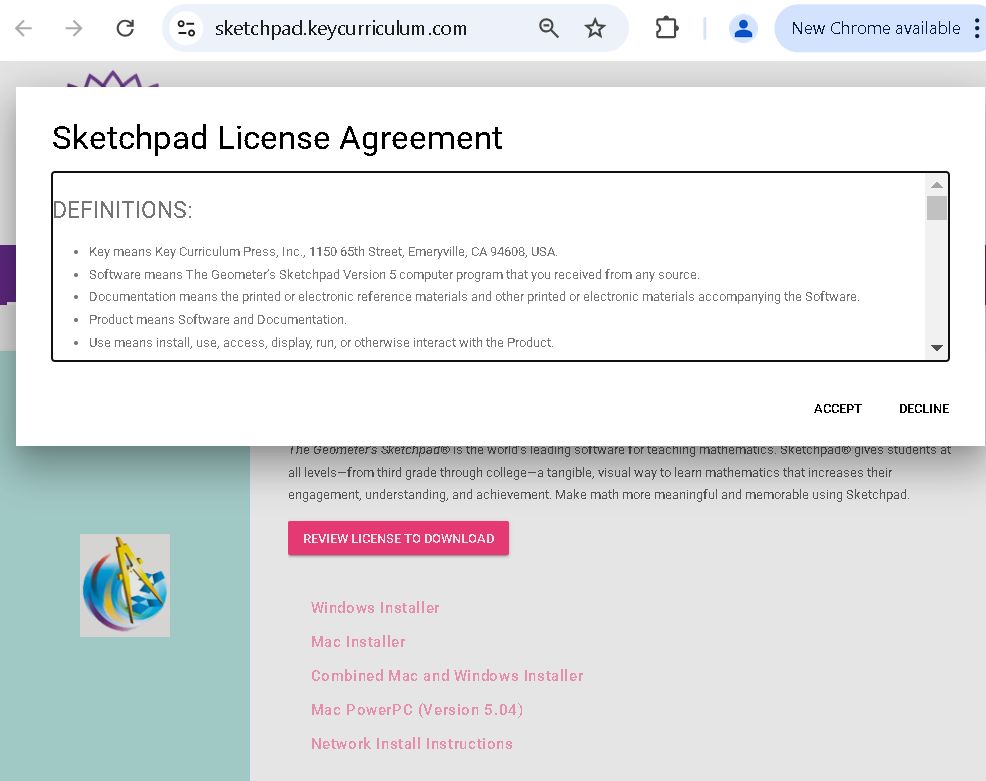 | Read and accept the license. |
|
| Once you have read and accepted the license, it returns you to the previous page. Choose that you wish to download.
|
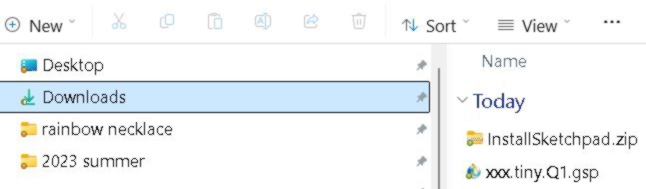 | You may need to authorize the download. The site is safe. You need not worry. |
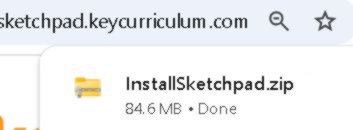 | The web page will download a zip file/directory to your Download folder. |
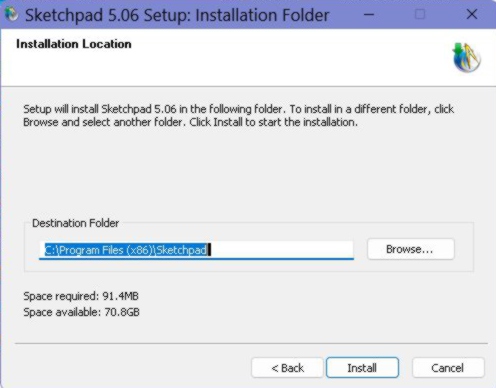 | You may be asked where you wish to place the file. On a Windows machine it usually goes in the C:/ drive. |
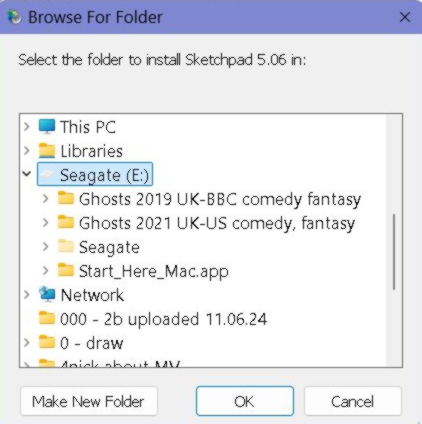 | To create the images for this page, I placed mine in the E:/ drive. I think you should place it in the drive the ppage/program first suggests. |
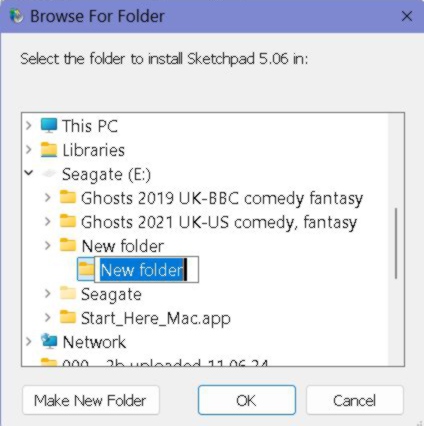 | I needed to make a new folder for it. |
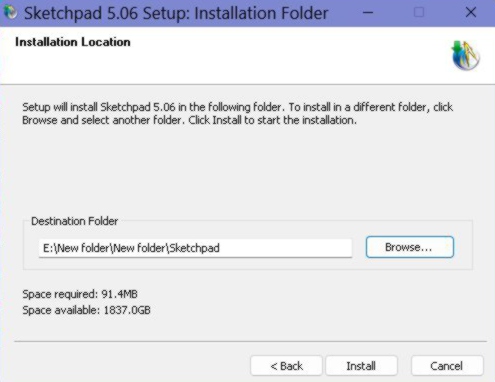 | Once it is placed on the computer in the desired location, the program needs to be extracted then installed. |
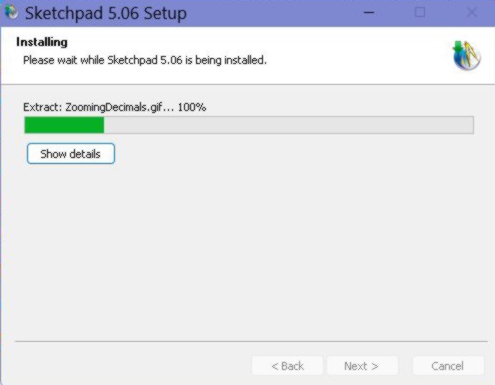 | Notice, the computer is installing Sketchpad 5.06. |
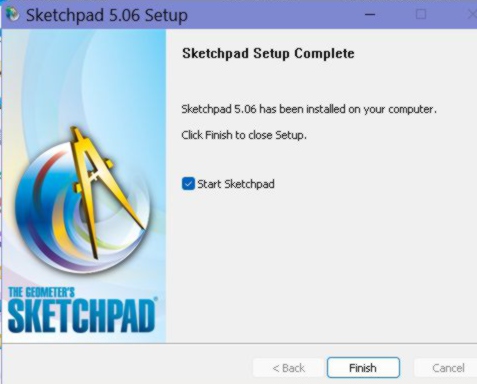 | Once Setup is complete, the program can start running! |
|
| As directed on the first Calc I quizYou will need to "Download the xxx.first.last.Q1.gsp sketchpad and save it where you can find it. " or |
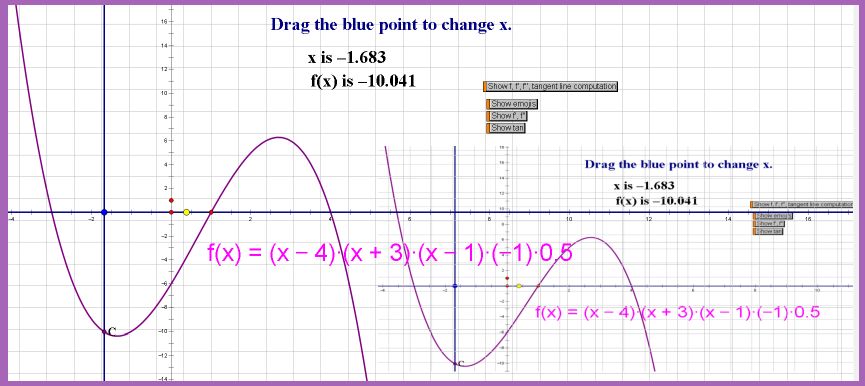 | Then you can complete Q1, change the name, save it, attach it to an email and SUBMIT TO THE CORRECT EMAIL ADDRESS! |
![[MC,i. Home, site home page]](http://www.mathnstuff.com/math/spoken/here/1gif/mcihome.gif)

![[master list of all MSH! dictionary words]](http://www.mathnstuff.com/math/spoken/here/1gif/words.gif)

![[Good Stuff -- free & valuable resources]](http://www.mathnstuff.com/gif/goods.gif) ©
1/25/2025, A2
©
1/25/2025, A2 |